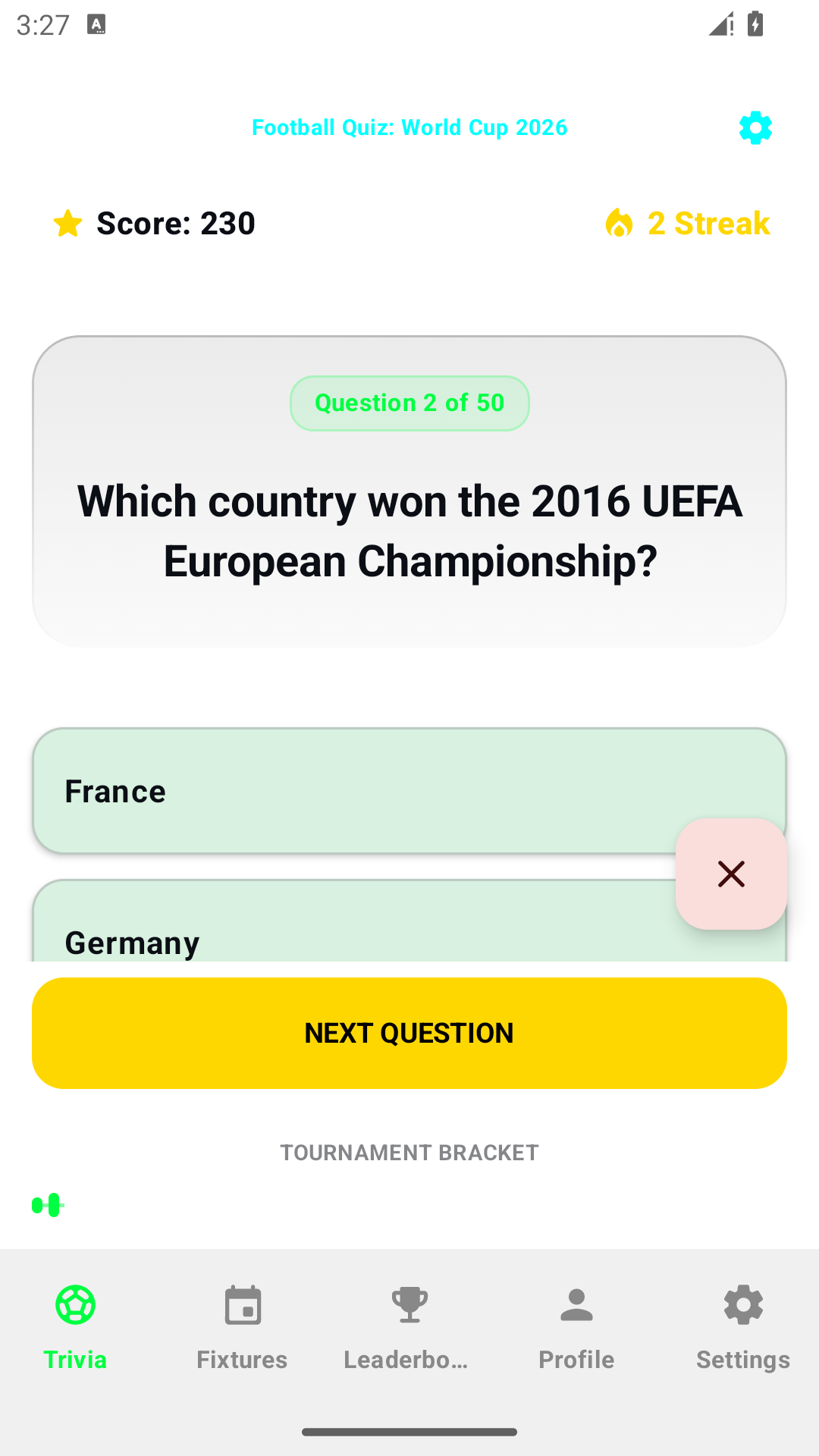
Football Quiz: choose a mode, use hints and understand a session
The quiz has four play modes, and their controls intentionally behave differently. Choose based on whether you want to think through a question, manage limited lives or answer continuously against a clock. These instructions describe the Android quiz, not an official tournament service or a promise of live fixtures.
Choose the mode that matches your practice
- Classic: use the normal question-and-answer flow. Select an answer before moving on. When the following question loads, the previous selection should not already be selected.
- Time Challenge: each question has a timer. Running out of question time records an unanswered timeout as an incorrect result.
- Survival: wrong answers reduce the remaining lives. The session ends when those lives are exhausted, so check that counter before treating it like Classic.
- Rapid Fire: the session uses a total timer and advances automatically after an answer. A wrong answer or Skip also advances; you should not wait for a Next button as in the normal flow.
A useful first session
Start in Classic, answer one question and inspect the feedback. Press Next Question once. Check the question number and read the new question before selecting another answer. This separates learning the controls from playing quickly. Changing font size is not a new answer and should not add points. If the screen is crowded, scroll to the choices rather than guessing at a partly visible option.
Use a hint before answering
Hints draw from the displayed balance. The hint action is available while a question is unanswered, the session is active and at least one hint remains. After selecting an answer, a hint is no longer a way to change that result. Optional rewarded ads can add hints when an ad is available and the reward is earned. Ad availability depends on the service, connection and privacy choices; it is not guaranteed.
We checked that a real test reward changed the stored hint balance and that the balance remained after restarting the app. That is a functional check, not a guarantee that a production ad will fill on every device. If an ad does not load, keep the failure message and report it instead of repeatedly tapping the control.
Pause, leave or start again
Moving the app into the background pauses the quiz timer while it is not in the foreground. This does not promise recovery of an unfinished question after Android terminates the app. Use the quiz’s explicit exit flow when you mean to leave a session. Returning from Profile should not silently revive a session you already quit. Your profile statistics and a partly completed in-memory session are different things.
Play first; sign in only for online features
You can play the local quiz without signing in. Posting a score is an optional online feature and needs account access and connectivity. A local high score is not proof of a successful leaderboard upload. If posting fails, tell support whether local play still works; do not send your Google password.
Report a repeatable problem
Include the app version, mode, question number, whether the app was backgrounded, and which button you pressed. For a timer issue, describe the visible time before leaving and after returning. For a hint issue, state the balance before and after the attempt. These details distinguish a missed reward from a session-navigation problem without needing private account information.